Introduction
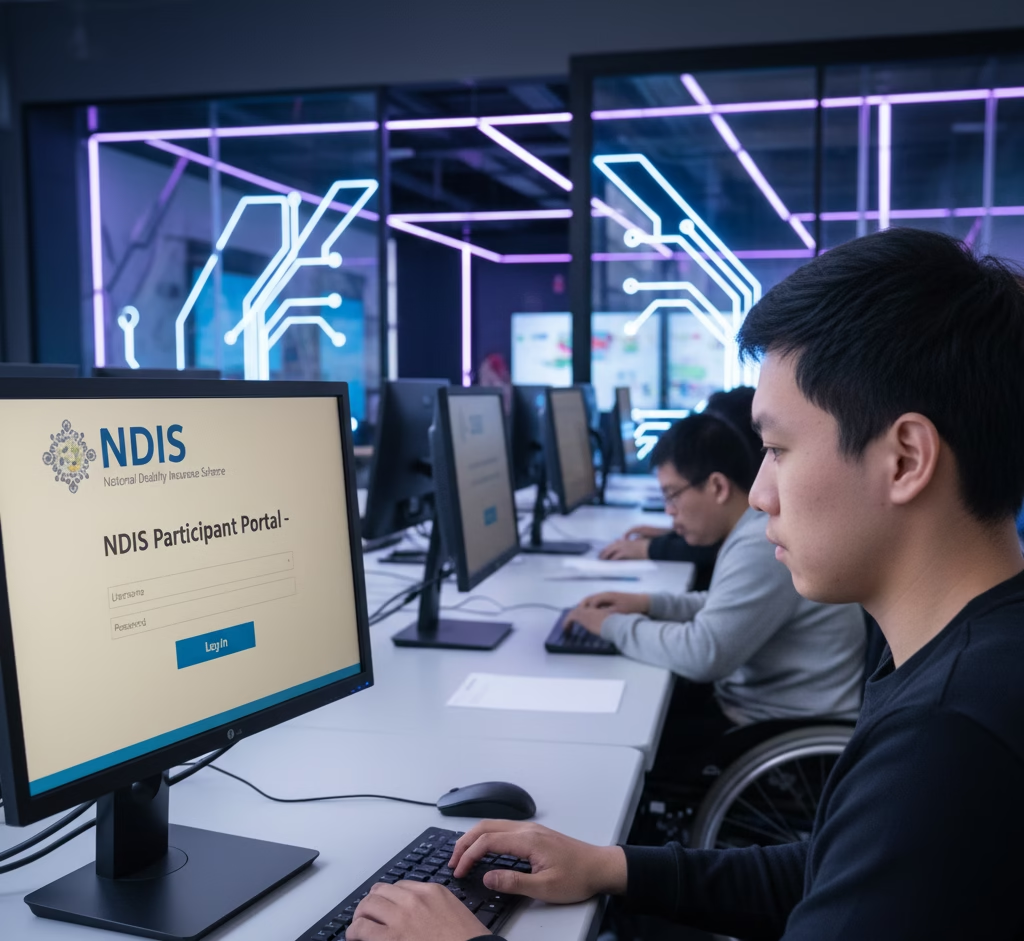
NDIS provider login allows registered providers to securely access and manage their Myplace Provider Portal. Through the NDIS provider portal login, providers can submit claims, manage participant bookings, update organisation details, and stay compliant with NDIS requirements. This guide explains how to log in, common issues providers face, and how to resolve them quickly.
What Is the NDIS Login Portal?
The NDIS login, officially called the Myplace Provider Portal, is a secure online platform that allows approved providers to manage their NDIS services digitally. Through this portal, providers can:
- View participant plans and service bookings.
- Claim payments directly from the NDIS.
- Update organisation details and staff roles.
- Upload compliance documentation and audit reports.
- Communicate with the NDIS Commission regarding updates or renewals.
Ultimately, this portal simplifies administrative work, thereby reducing paperwork and minimising delays.
Step 1: Log in via myID & RAM (Portal Access Has Changed)
The NDIS is phasing out PRODA access and transitioning providers to myID + RAM for portal login. visit NDIS for acces the portal
- Go to the new provider portal (my NDIS provider portal) — the old “myplace provider portal” link may no longer work.
- Enter your myID credentials
- Ensure you have delegation/authorisation for your organisation via RAM
- Once approved, you’ll be redirected to your dashboard
If you previously accessed the portal via PRODA, complete the migration before November 2025 to ensure uninterrupted access.
Step 2: Navigate the Dashboard
Once logged in, you’ll see several key sections on your dashboard:
- Participant Plans: View active and expired participant service bookings.
- Claims: Submit payment requests and check claim statuses.
- Organisation Profile: Manage contact details, service groups, and workers.
- Messages: Receive official NDIS updates and compliance alerts.
Additionally, the portal allows you to export reports, view funding categories, and track upcoming renewals. For example, providers can easily check their next audit date or certificate expiry. Hence, staying up to date becomes much easier.
Step 3: Manage Participant Bookings and Claims
To process claims correctly:
- Go to the “Claims” section.
- Select the participant’s plan and relevant support category.
- Enter service dates, reference numbers, and payment details.
- Review before submitting.
Importantly, all invoices must comply with NDIS pricing arrangements. Furthermore, ensure that each support aligns with the participant’s approved plan. As a result, this reduces the risk of rejected claims and audit issues.
Step 4: Keep Provider Information Updated
Over time, your organisation’s details such as addresses, directors, or service groups may change. Consequently, it’s essential to keep your provider profile updated through the portal.
- Update contact and business details.
- Add or remove staff with portal access.
- Review your registration groups regularly.
- Upload new insurance and compliance documents.
In addition, update your information whenever you receive a new NDIS Certificate or pass a mid-term audit. This way, your organisation remains compliant with the latest NDIS Australia regulations.
Need help maintaining compliance? Learn more about our Ongoing Provider Support
Step 5: Troubleshooting Common Login Issues
Even experienced providers occasionally face login issues. However, most can be resolved easily.
Common Problems include:
- Forgotten PRODA password or expired session.
- Two-factor authentication delays.
- Account mismatch between PRODA and NDIS details.
- Browser cache or outdated links.
To fix these
- Reset your password through the PRODA login page.
- Clear browser cache and re-login.
- Contact the NDIS Helpdesk if your account is locked.
- Alternatively, reach out to Providers Consultant, and our team can guide you through the technical setup during registration support.
Step 6: Best Practices for Compliance and Security
Equally important, providers must treat the NDIS portal as a secure environment. Therefore, always:
- Log out after each session.
- Avoid sharing credentials with unauthorised staff.
- Use multi-factor authentication.
- Store participant data in accordance with privacy laws.
By following these steps, you maintain both operational efficiency and compliance integrity. In conclusion, proper use of your NDIS login not only streamlines claims but also safeguards your business reputation.
Need Help Accessing or Managing Your NDIS Login?
At Providers Consultant, we help organisations across Australia stay compliant from start to finish. Our consultants provide:
- Step-by-step NDIS portal training.
- Assistance with PRODA setup and login errors.
- Full support for audits, renewals, and NDIS certificate updates.
Book a Free Consultation today and let us help you simplify your NDIS management process.
How do I access the NDIS provider portal login?
You can access the NDIS provider portal by logging in via the MyID system and ensuring RAM authorisation is set for your organisation.
Why is my NDIS provider login not working?
Common reasons include missing RAM permissions, expired MyID access, browser cache issues, or incorrect PRODA linkage.